
DDEV.← ENGINE
Without living
in Terminal.
DDrovr gives DDEV a native macOS interface for managing local development environments—projects, services, logs, URLs, debugging and everything in between.
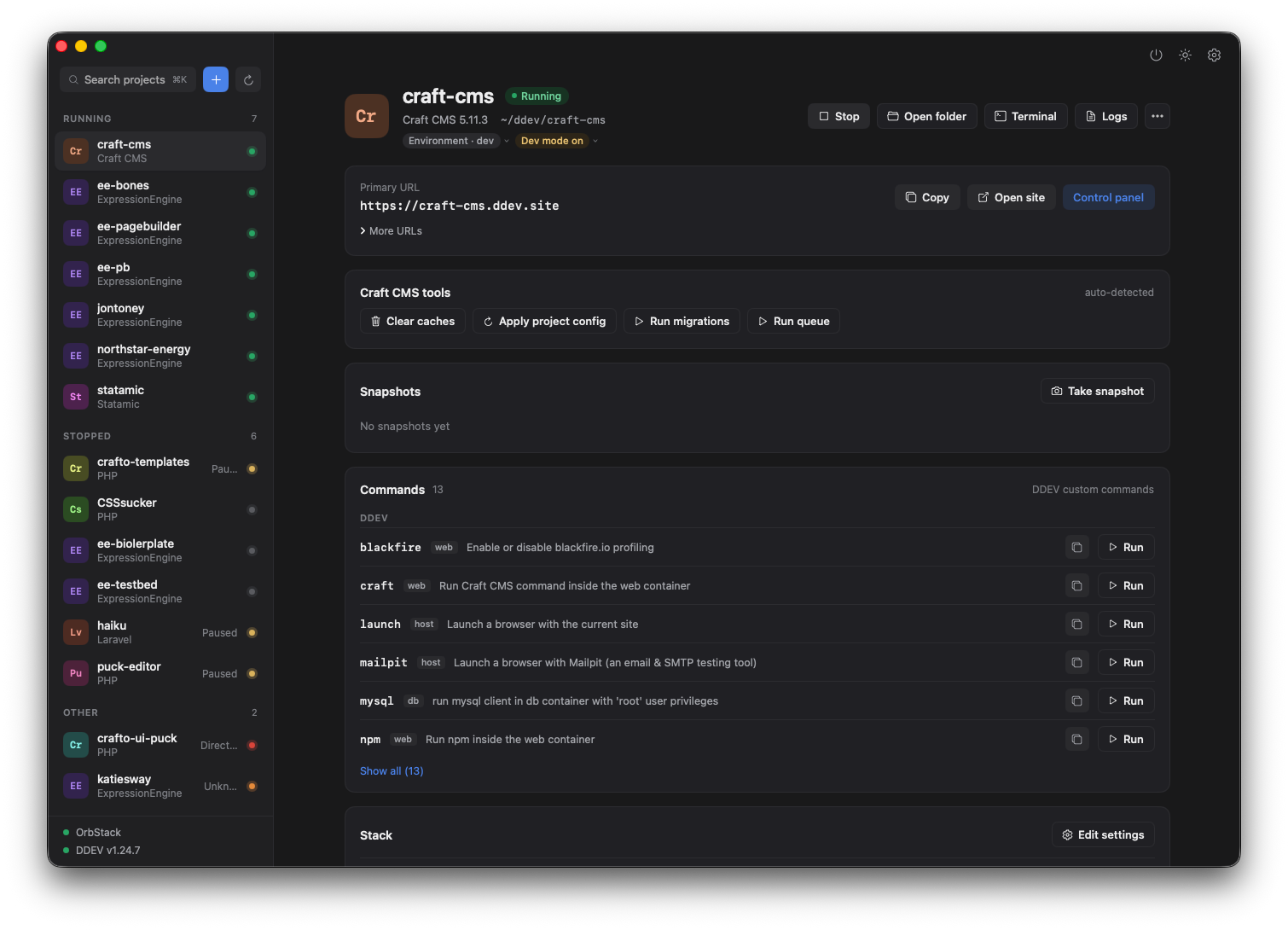
{{ shot.caption }}
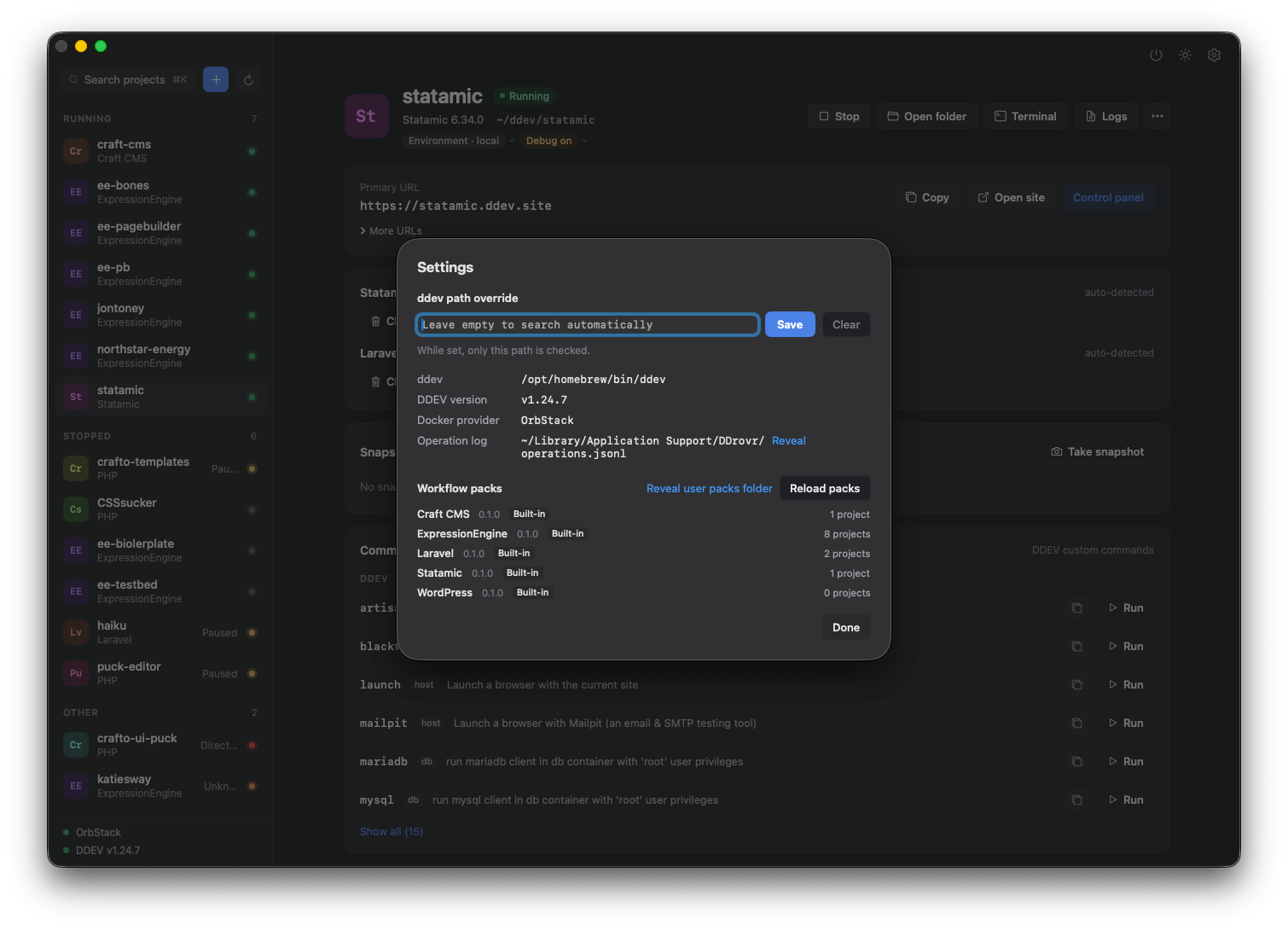
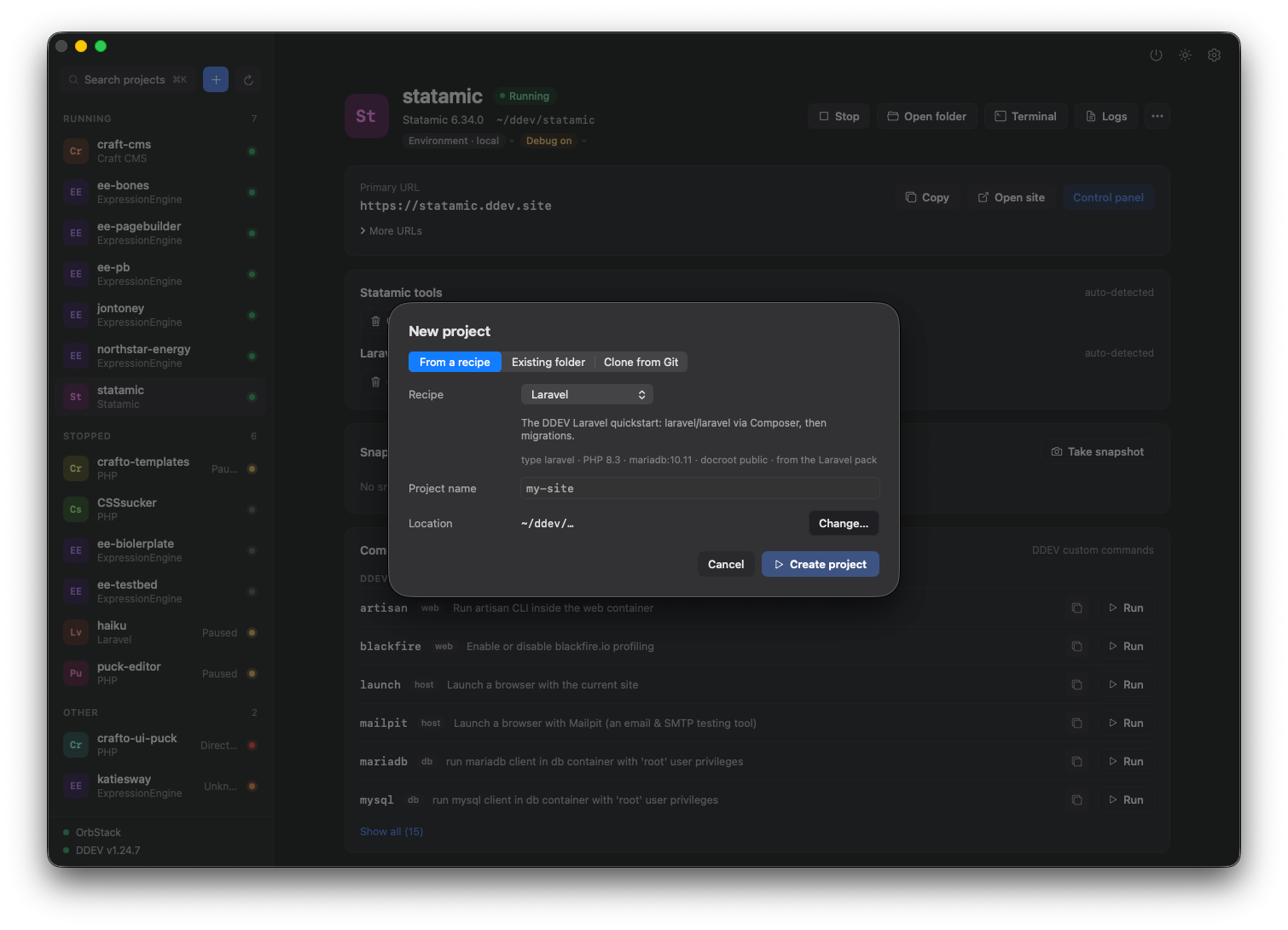
DDEV is already powerful. DDrovr makes it visible.
DDrovr doesn't replace DDEV. It sits on top of the workflow you already have—same projects, same config, same commands—and gives the things you do every day a visual interface.
Start a project, open its URL, check which PHP it's on, find out why it stopped. No new stack to learn.
Everything running.
Everything visible.
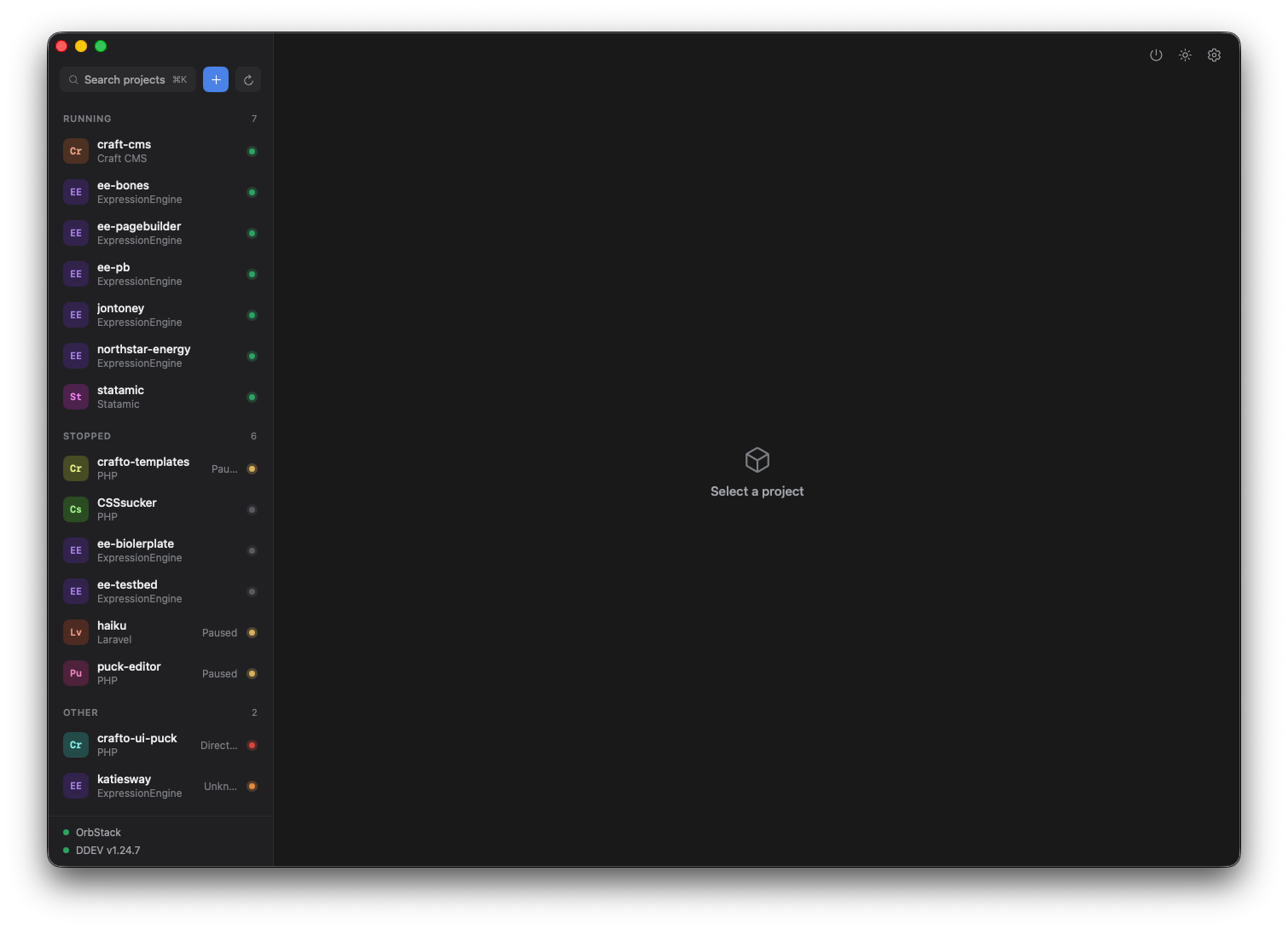
Every project, its state and its stack in one view. Actions are one click away—and each maps to the DDEV command you'd otherwise type.
One project.
Every part, labelled.
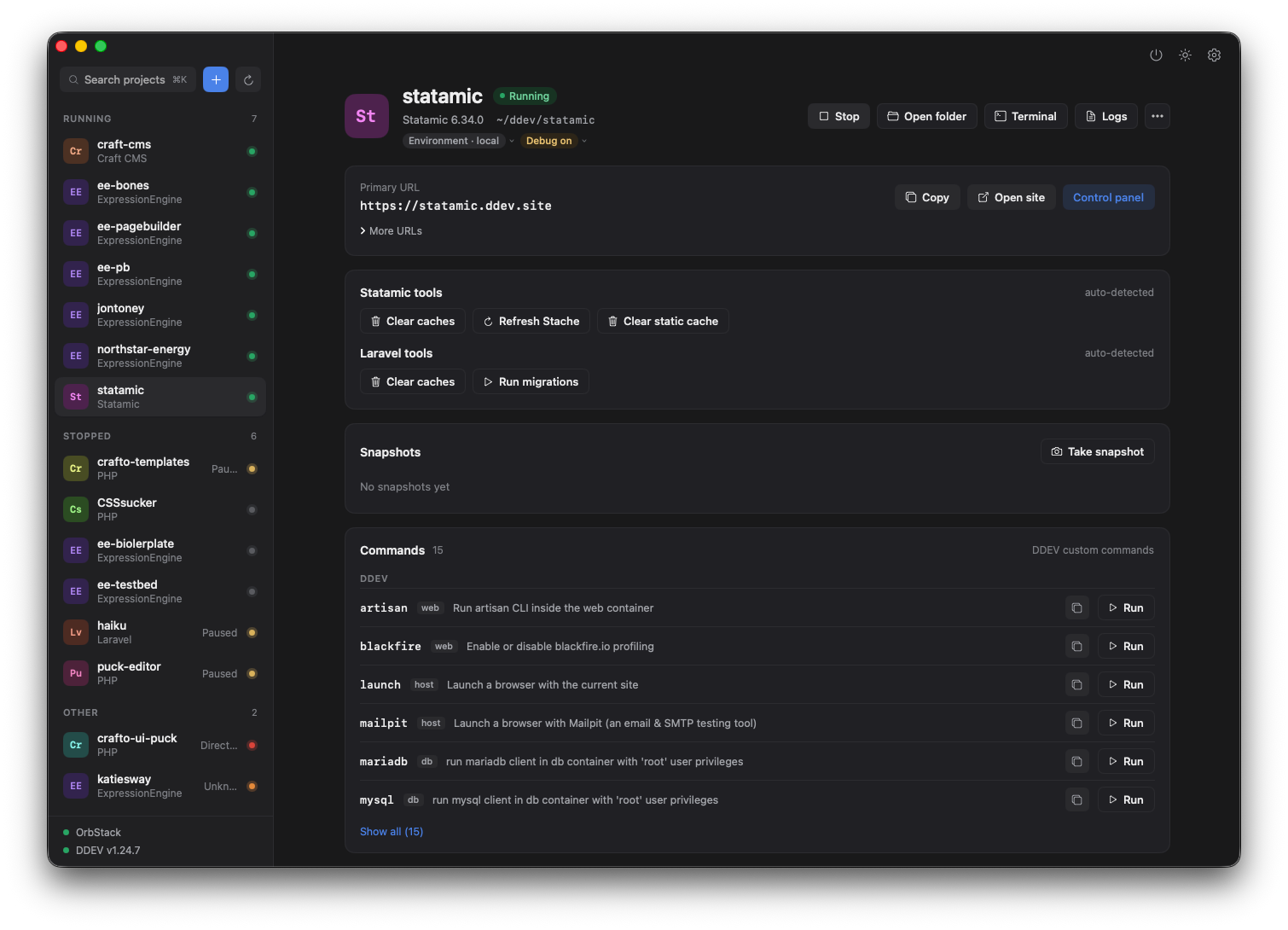
Know what a project is running without digging through config files or commands. DDrovr puts the important parts of each environment where you can actually see them.
ddev describe
Failed doesn't have to mean mysterious.
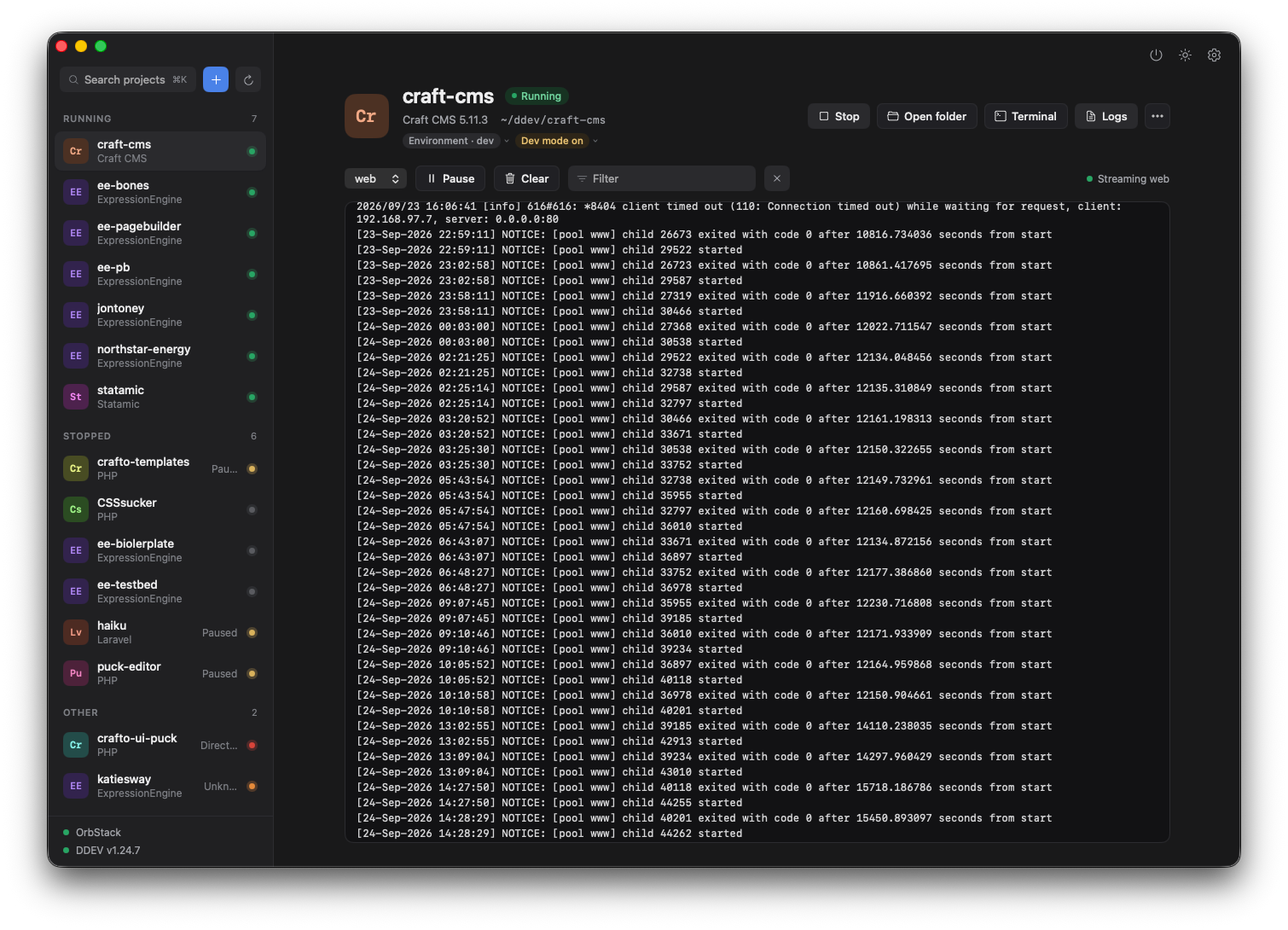
DDrovr surfaces failures and degraded states as they happen—so you can see what broke, stop a partially running project, and retry without parsing a wall of CLI output.
Not another local dev stack.
The interface for the one you already use.
SYSTEM
Twelve projects
or a hundred.
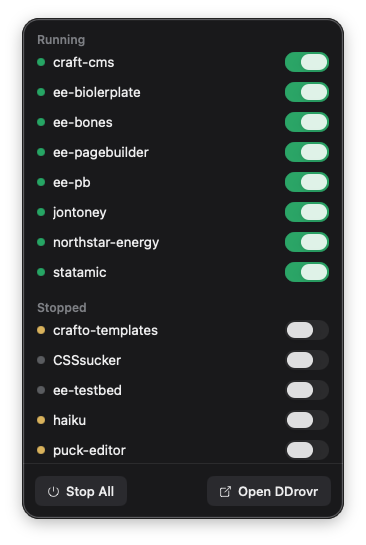
An indexed registry of every DDEV project on your machine—any CMS, any framework. Search, filter by type, stop everything at once.
Built as a SwiftUI desktop application rather than another browser-based management panel.
DDrovr works with DDEV rather than creating a proprietary environment around it.
Projects, URLs, terminal access, folders, services and common actions are always close at hand.
Give DDEV
a desktop.
Keep the workflow you already trust. Lose some of the command-line overhead.